# Webflow Integration
The guide outlines how to attach Address Finder and Postcode Lookup to your Webflow Form Block.
## Demo[](#demo "Direct link to Demo")
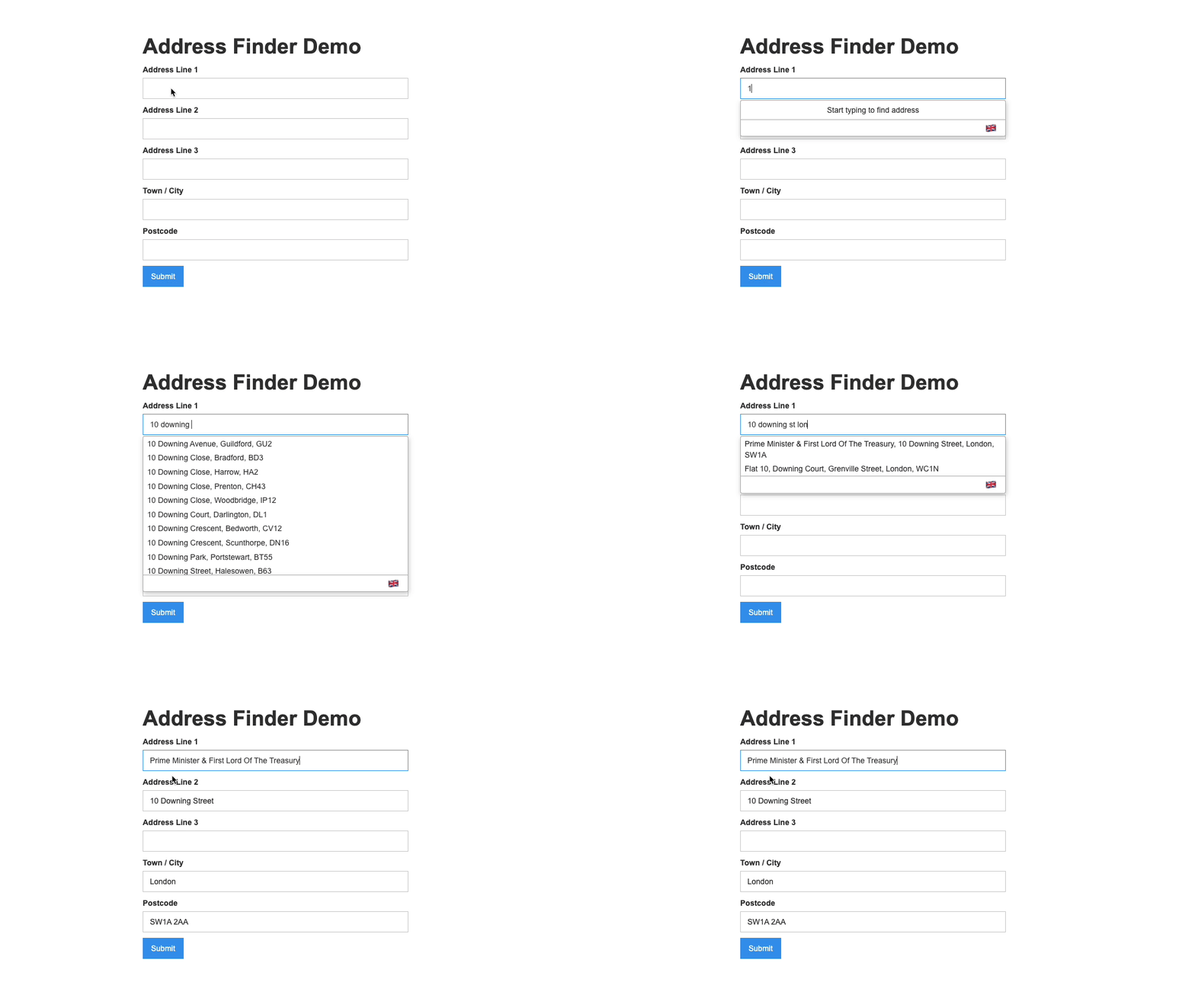
### Address Finder[](#address-finder "Direct link to Address Finder")
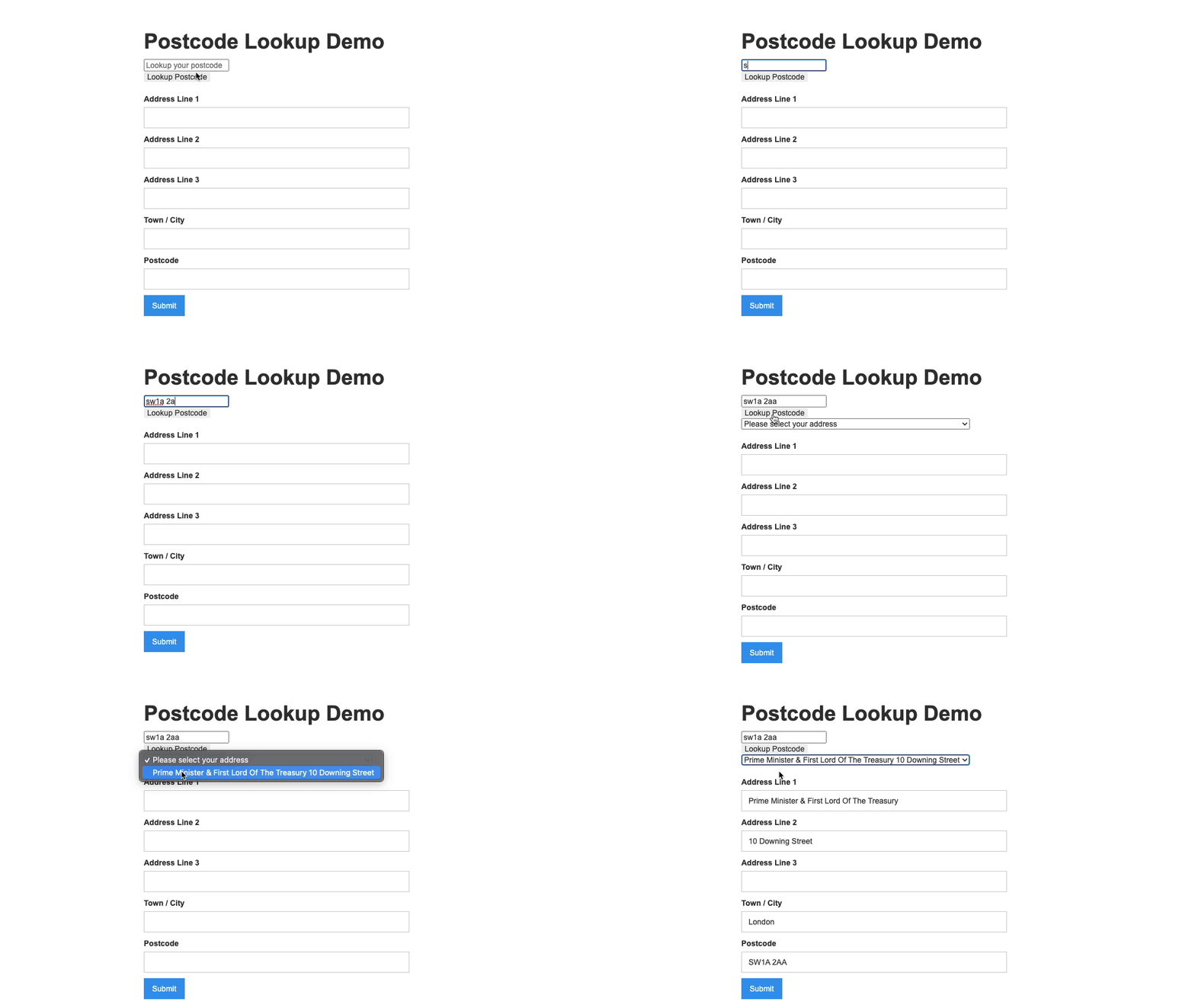
### Postcode Lookup[](#postcode-lookup "Direct link to Postcode Lookup")
## Installation[](#installation "Direct link to Installation")
### Create Address Inputs[](#create-address-inputs "Direct link to Create Address Inputs")
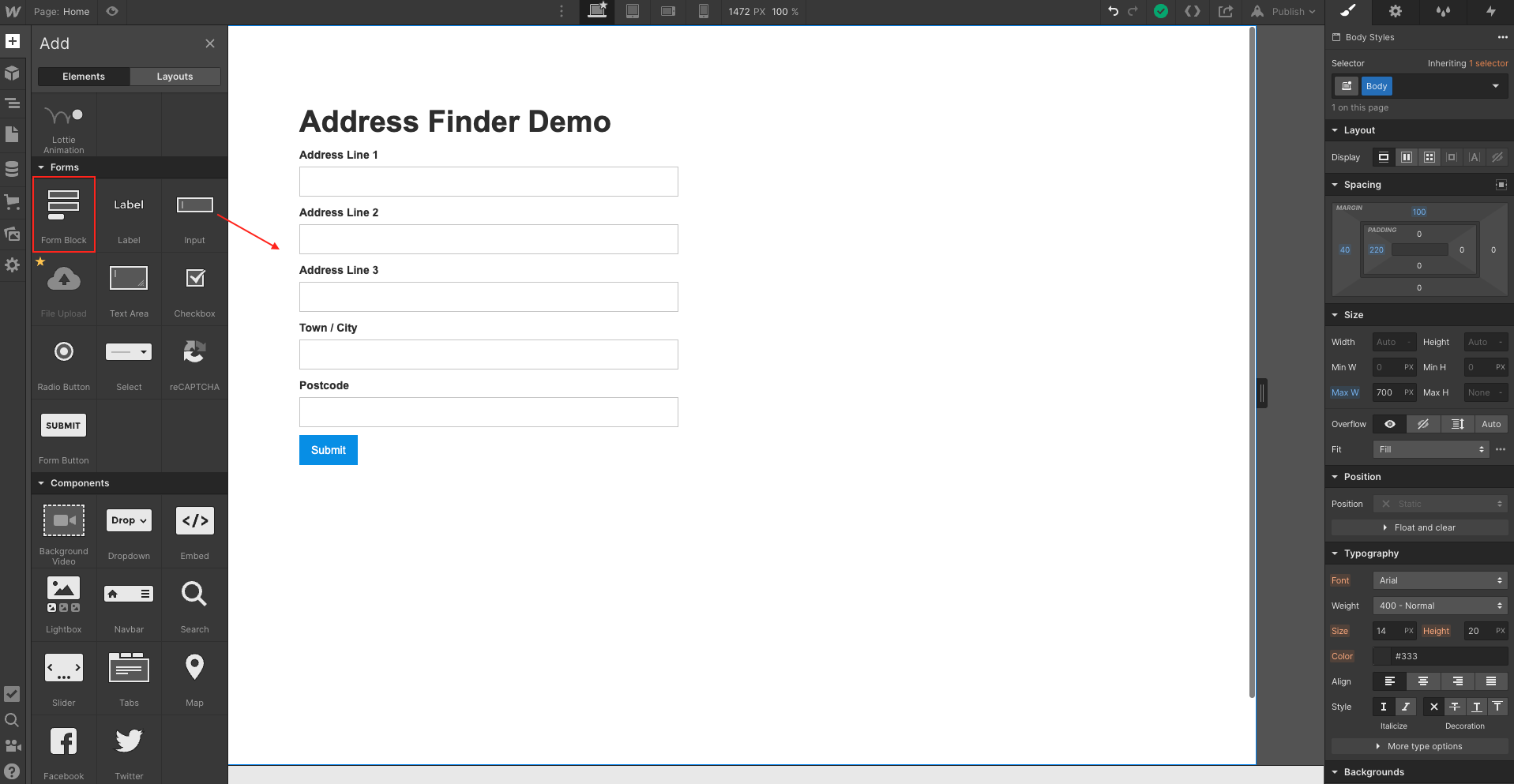
Address Inputs are created using `Input` fields under `Forms`. However, Webflow requires you to create a `Form Block` first. This is also found in the same section. A basic address form to capture a correct UK address requires the following fields:
* Address line one
* Address line two
* Address line three
* Post town
* Postcode
note
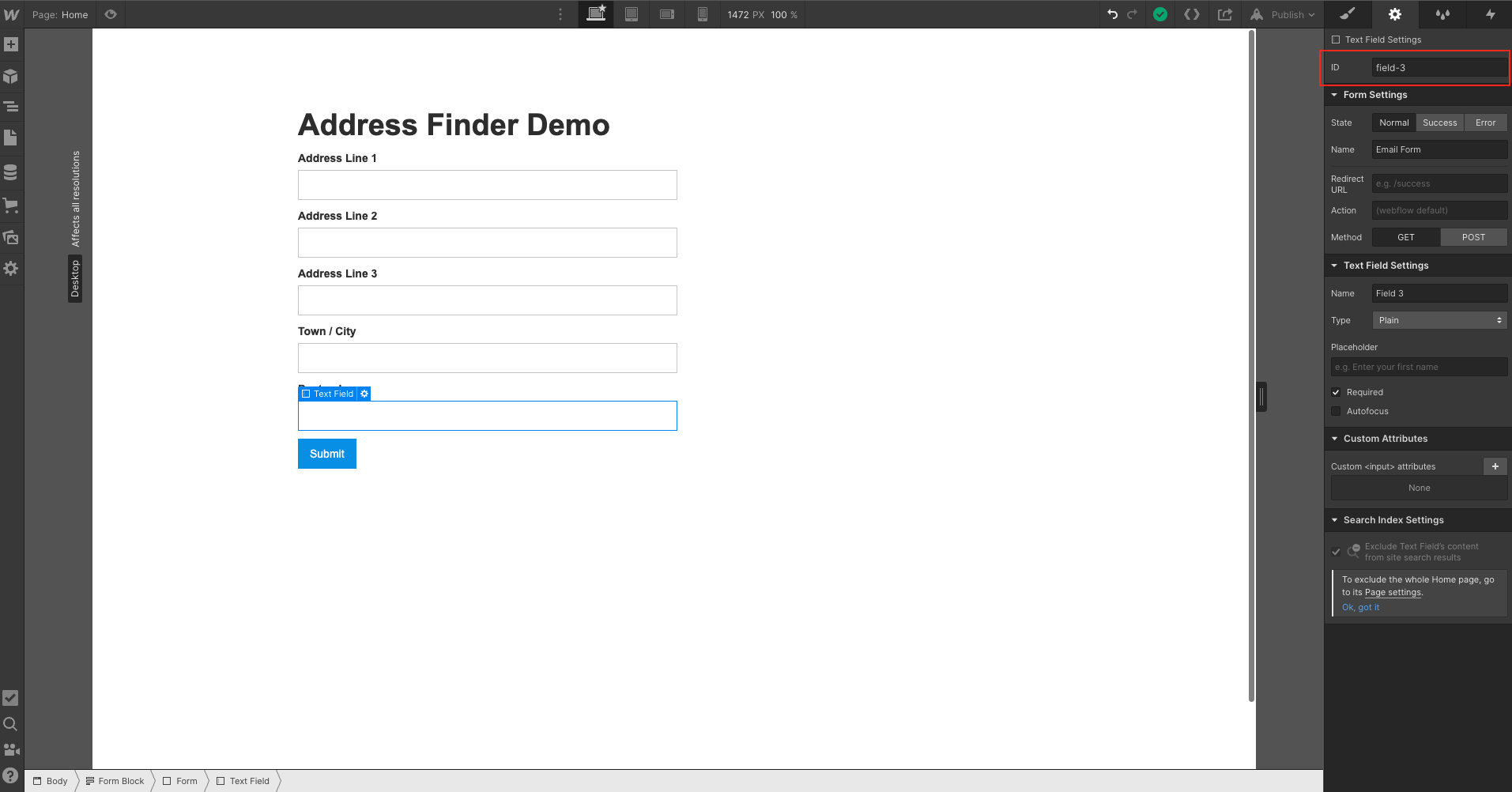
Take note of your `input IDs` you will need them later to configure Address Finder or Postcode Lookup. These can be found in `field settings`
### Initialise Address Finder[](#initialise-address-finder "Direct link to Initialise Address Finder")
#### Insert Code[](#insert-code "Direct link to Insert Code")
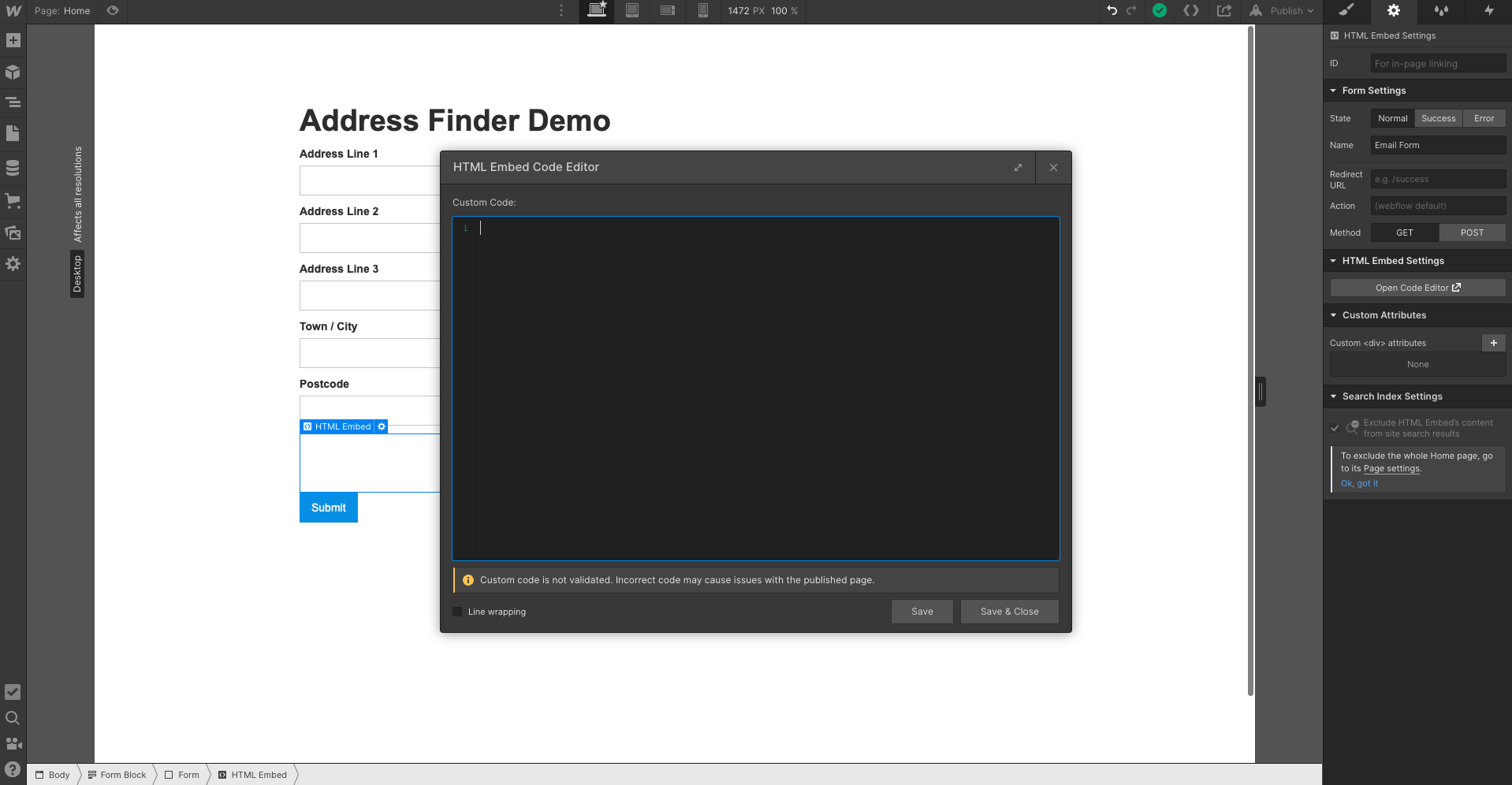
Add an `Embed Code` component at the bottom of your form to add the Address Finder script.
```
```
caution
Take special care to:
1. Insert your API Key in the `apiKey` field
2. Match the names of your input fields.
### Add Postcode Lookup[](#add-postcode-lookup "Direct link to Add Postcode Lookup")
#### Layout[](#layout "Direct link to Layout")
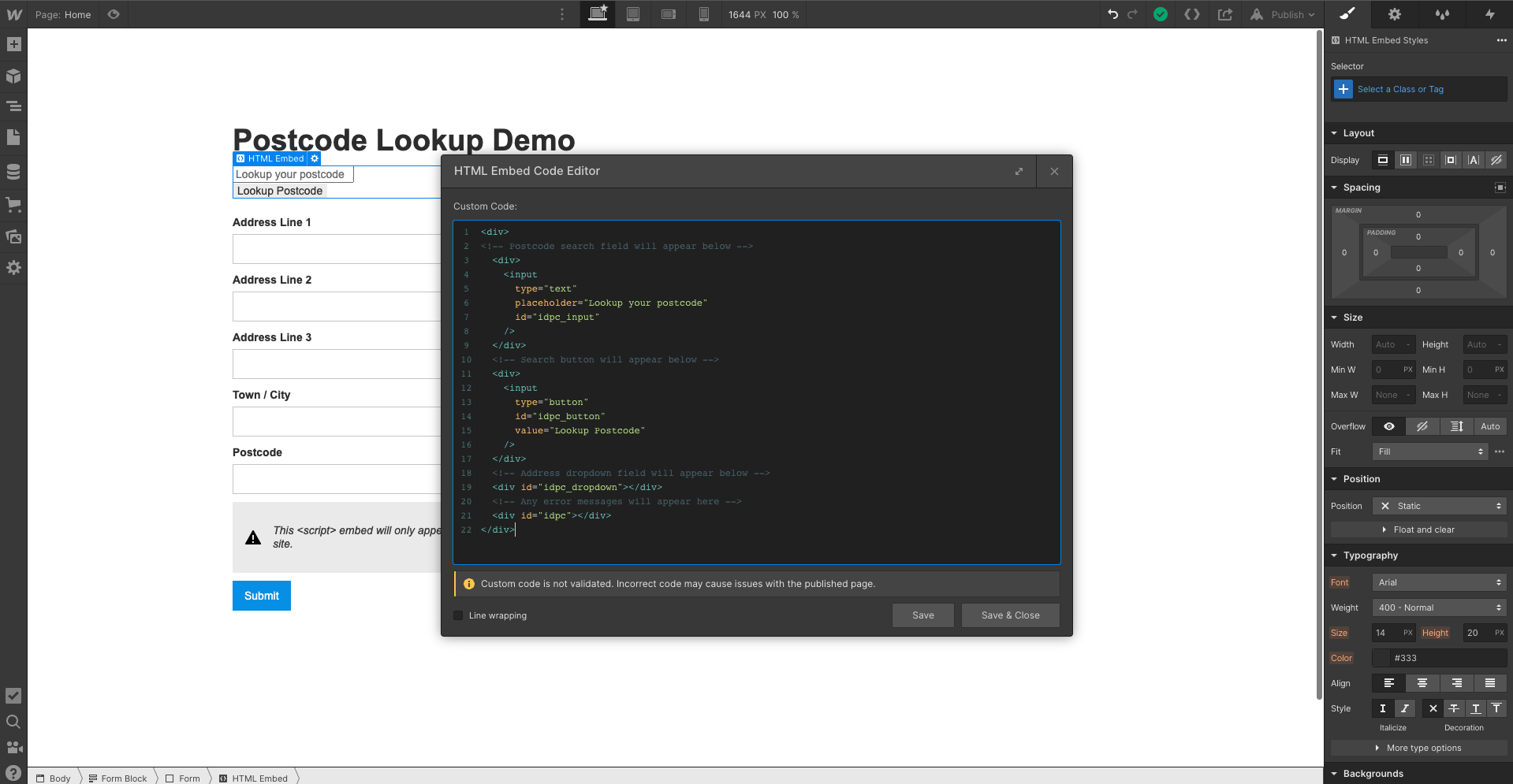
Add an `Embed Code` component at the top of your form. Copy the following:
```
```
#### Initialise Postcode Lookup[](#initialise-postcode-lookup "Direct link to Initialise Postcode Lookup")
Create another `Embed Code` component at the bottom of the form and add the script below:
```
```
caution
Take special care to:
1. Insert your API Key in the `apiKey` field
2. Match the names of your input fields.
3. Ensure the context string matches the id of ``, the line of code should read context: `"#idpc"`
## Configuration[](#configuration "Direct link to Configuration")
See our [Address Finder Plugin Documentation](/docs/address-finder.md) if you wish to customise Address Finder.
See our [Postcode Lookup Plugin Documentation](/docs/postcode-lookup.md) if you wish to customise Postcode Lookup.
info
Still need help? Contact our support team via live chat on our website or email .