# HubSpot Address Validation Integration | Documentation
Add address validation to your HubSpot CRM with our Browser Extension.
## Features[](#features "Direct link to Features")
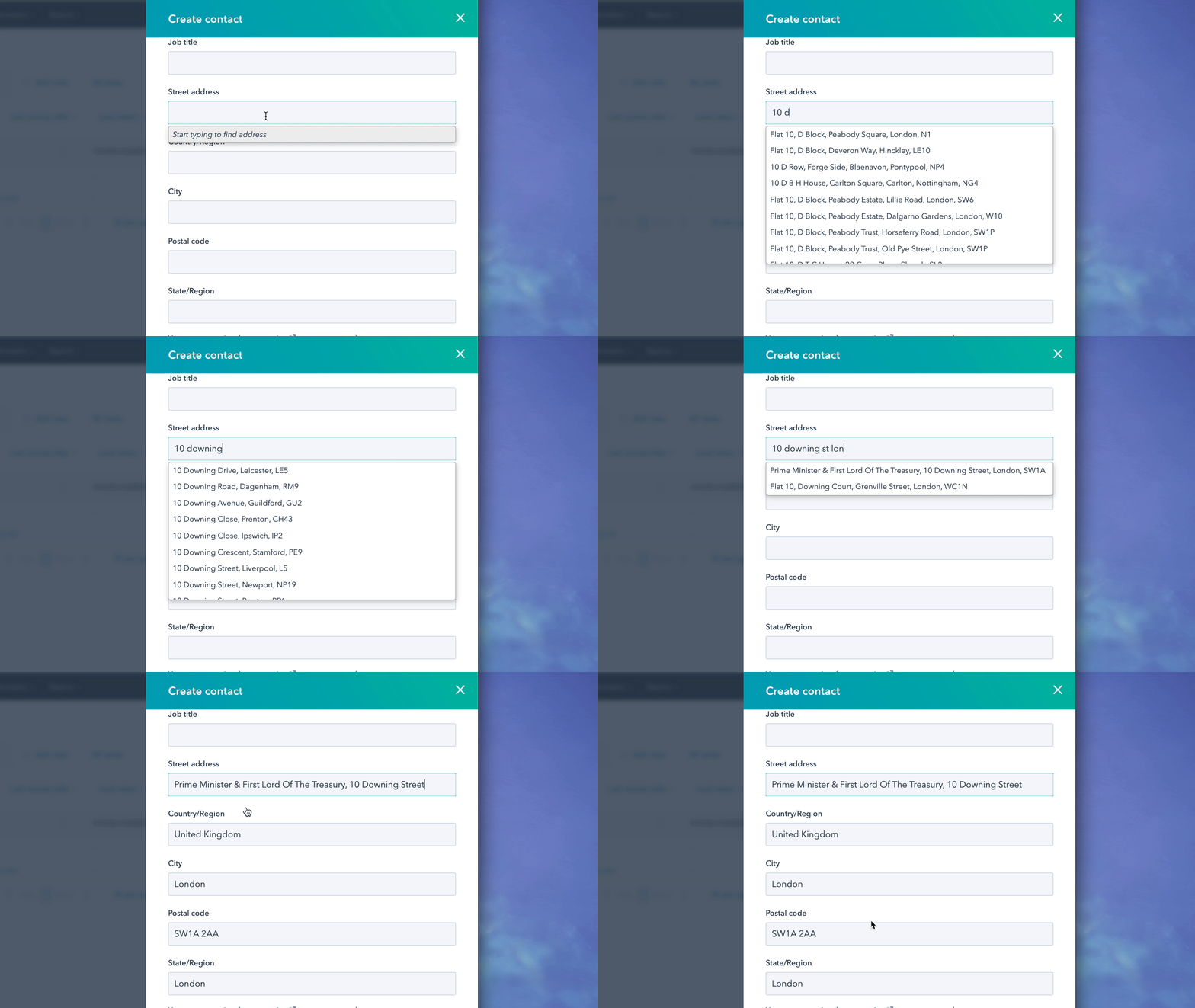
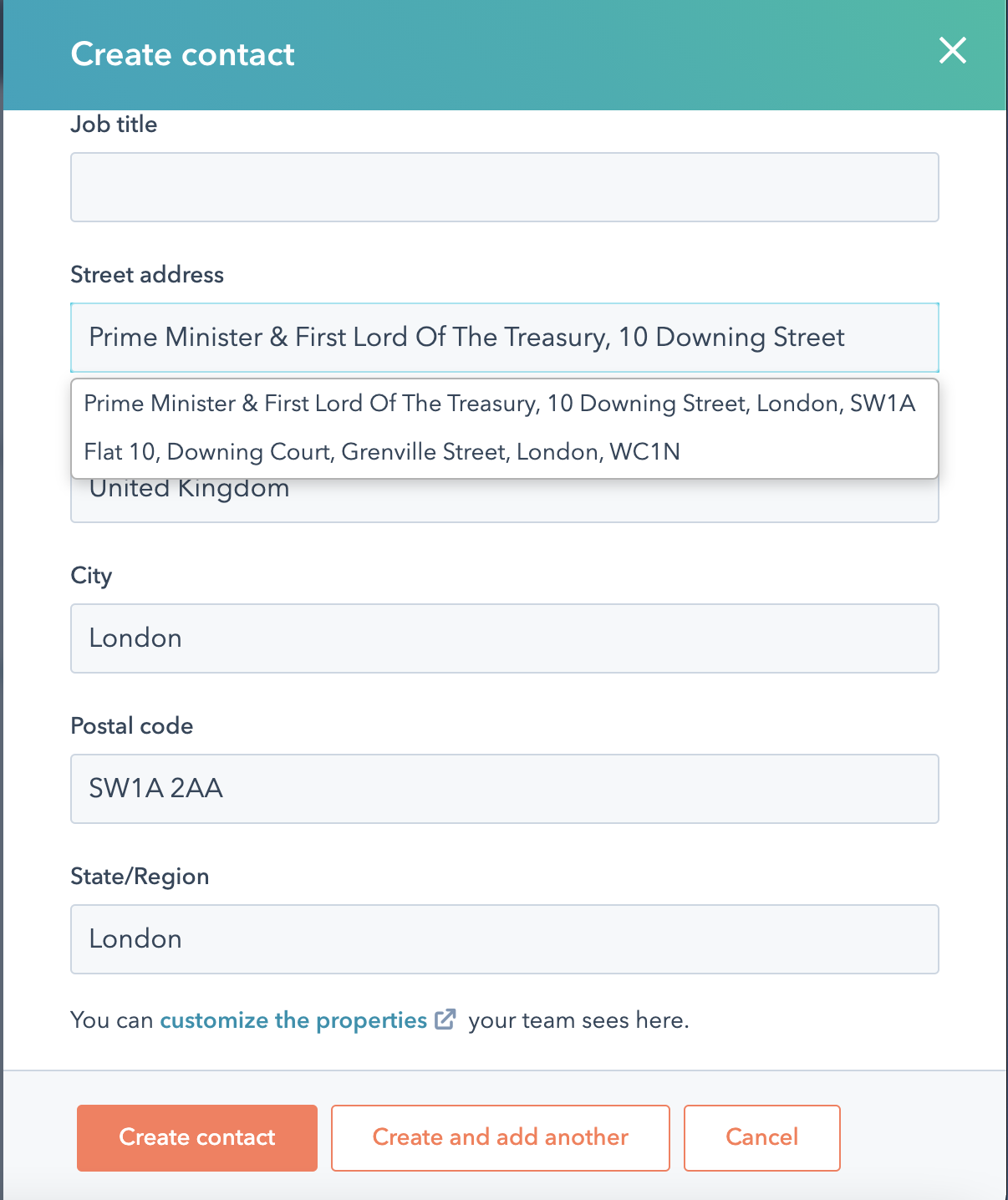
* Adds UK Address Finder to form address fields
* Adds UK Address Finder to Custom Objects
Integrate Address Validation on your HubSpot CRM
## Screenshots[](#screenshots "Direct link to Screenshots")
## Installation[](#installation "Direct link to Installation")
[HubSpot Address Validation Integration](https://www.youtube.com/embed/uZQQyi9jDpo)
This integration uses the Ideal Postcodes Extension which can be downloaded from the Chrome or Firefox Extensions marketplaces.
See our [Browser Extension guide](/docs/integrations/browser-extension.md) for more information.
## Custom Objects[](#custom-objects "Direct link to Custom Objects")
### Creating Custom Objects[](#creating-custom-objects "Direct link to Creating Custom Objects")
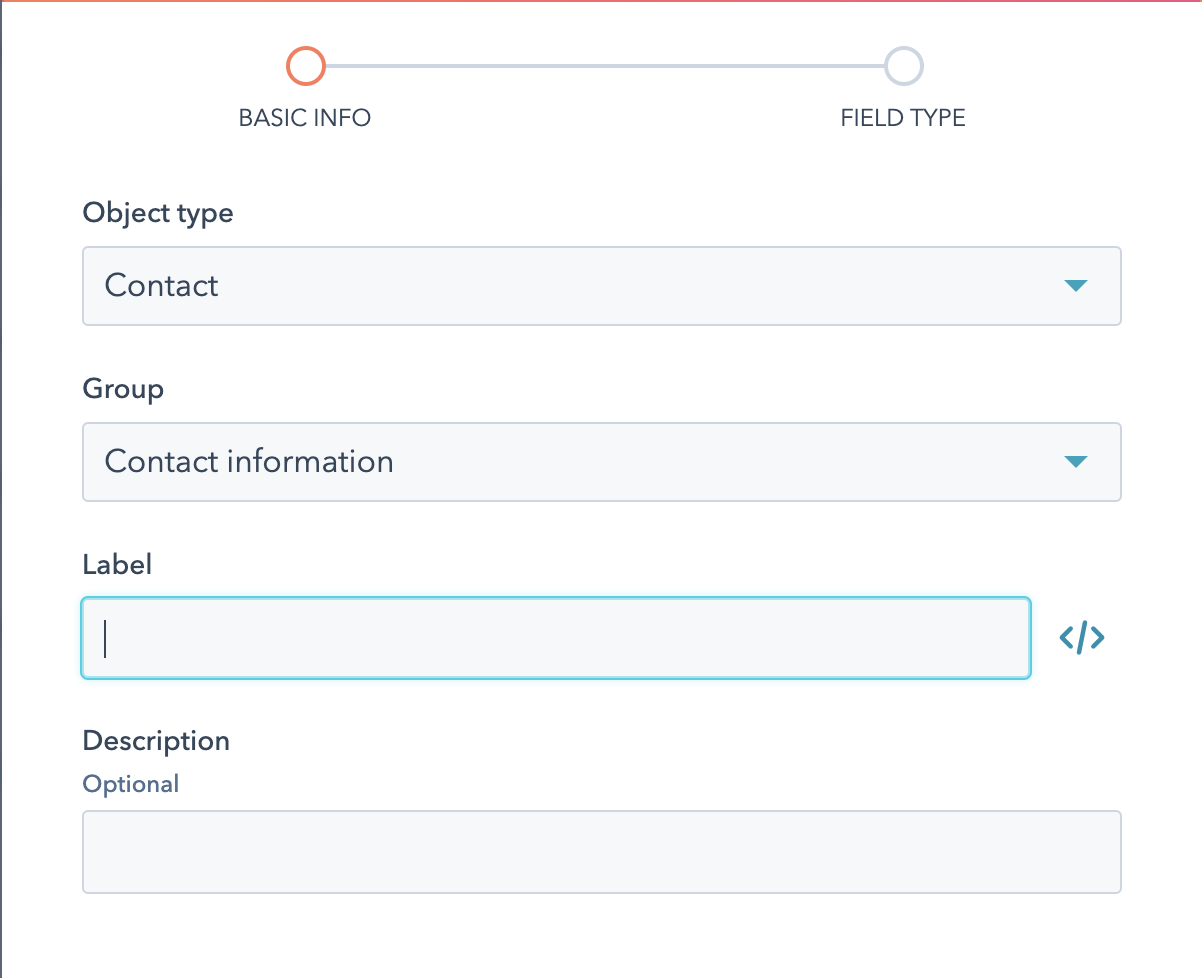
1. On the Contacts page click 'Actions'.
2. Choose edit properties.
3. Create a property.
4. Choose the object type and group.
5. Name your object - this will be used to reference the object in the JSON configuration editor.
warning
If you are looking to add additional address elements, you will need to assign a custom object for line\_1.
It will not work otherwise.
### Setting up[](#setting-up "Direct link to Setting up")
The Browser Extension also allows you to bind Address Finder to additional address attributes. To do this you will need to map an address field to a Custom Object Field Name using our JSON configuration editor.
```
[
{
"line_1": "textarea[data-selenium-test='property-input-line_one']",
"line_2": "textarea[data-selenium-test='property-input-line_two']",
"line_3": "textarea[data-selenium-test='property-input-line_three']",
"post_town": "textarea[data-selenium-test='property-input-city']",
"postcode": "textarea[data-selenium-test='property-input-zip']",
"uprn": "textarea[data-selenium-test='property-uprn']",
"organisation": "textarea[data-selenium-test='property-input-organisation-name']"
}
]
```
The complete list of address fields (e.g. `line_1`, `post_town`, `postcode`) is available in our [data documentation](/docs/data/paf.md).
info
Still need help? Contact our support team via live chat on our website or email .