# 
Integrate Address Finder or Postcode Lookup with Gravity Forms using custom HTML fields.
## Features[](#features "Direct link to Features")
* Address autocompletion on any address field
* Postcode lookup with dropdown selection
## Screenshots[](#screenshots "Direct link to Screenshots")
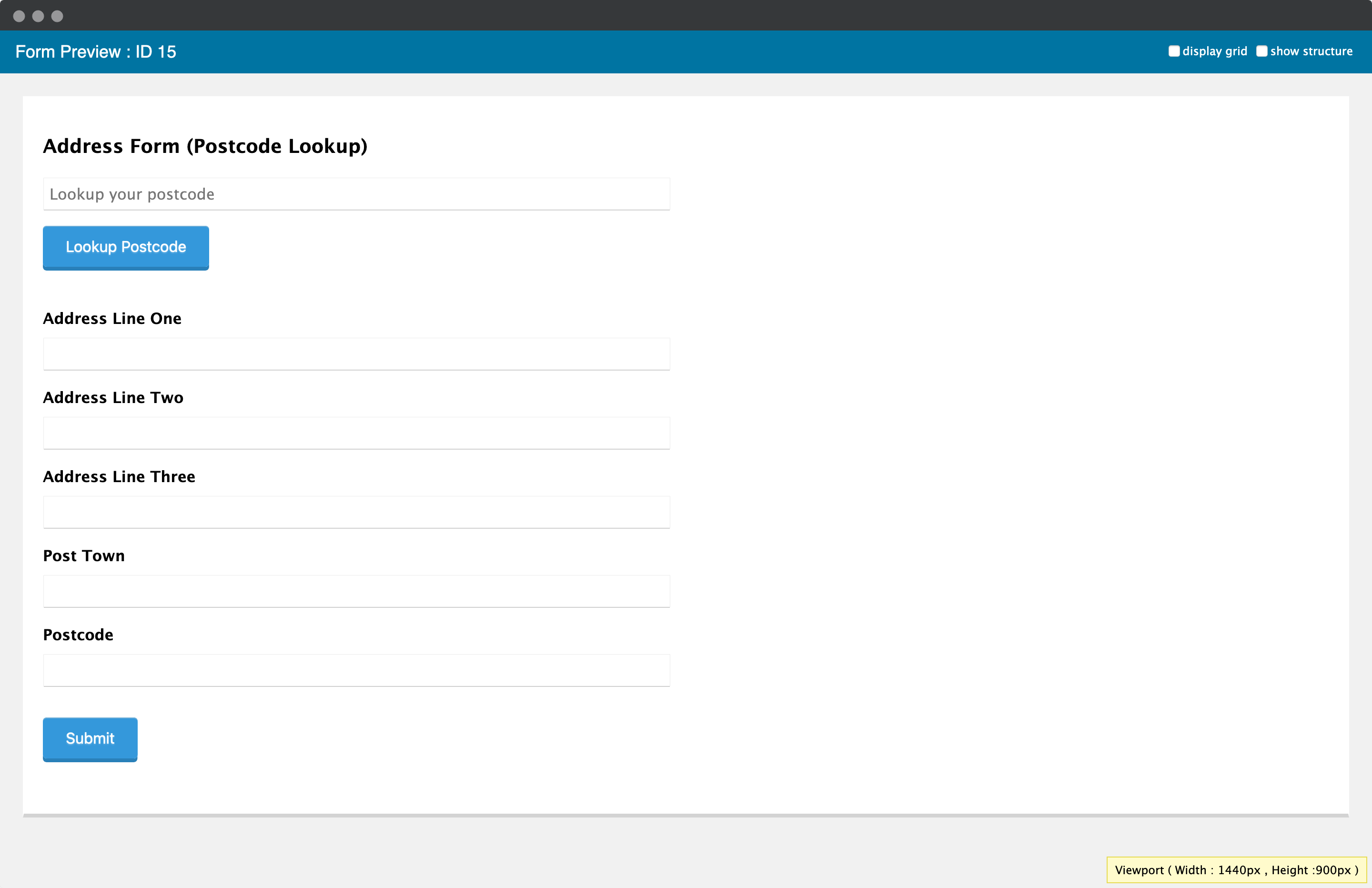
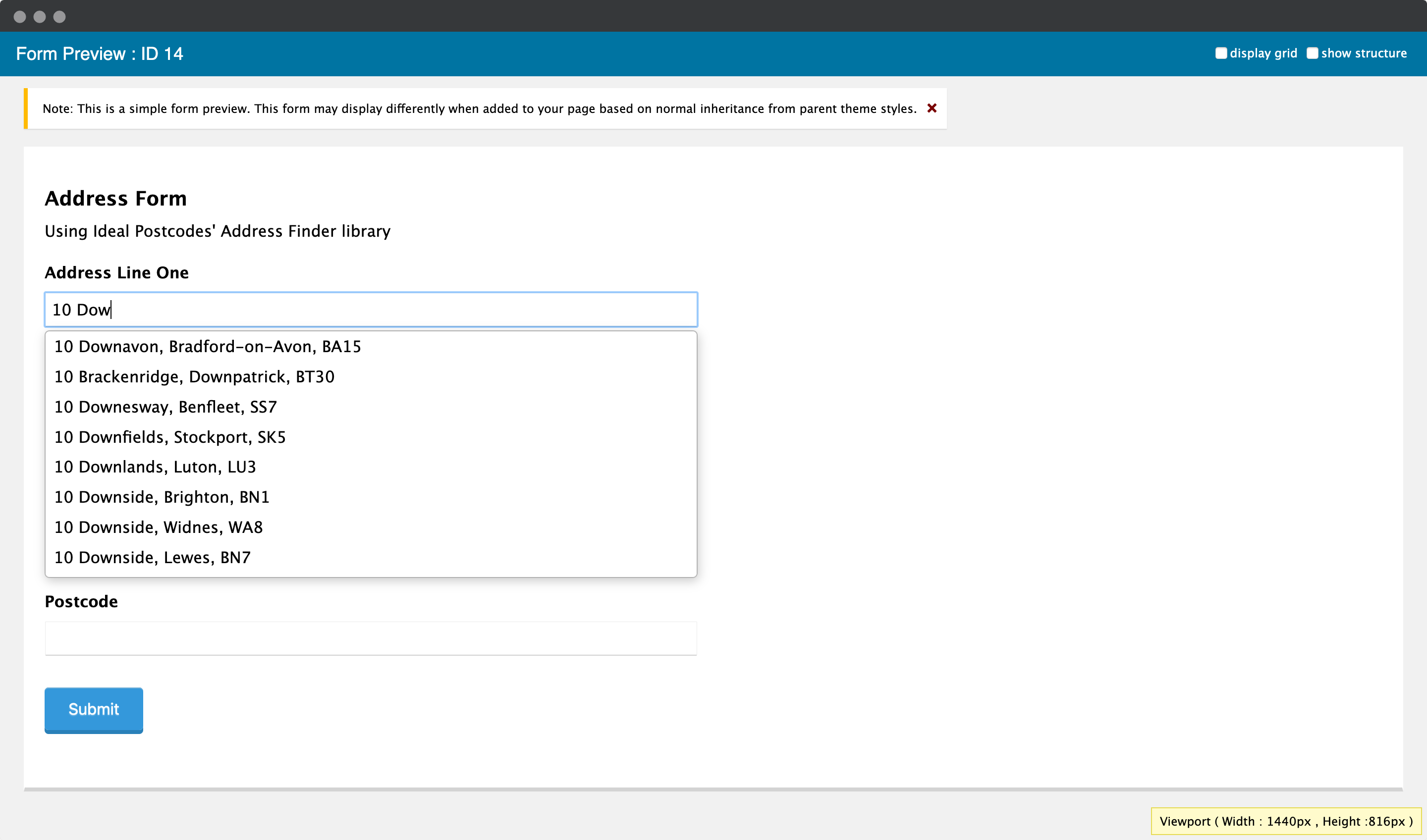
## Prerequisites[](#prerequisites "Direct link to Prerequisites")
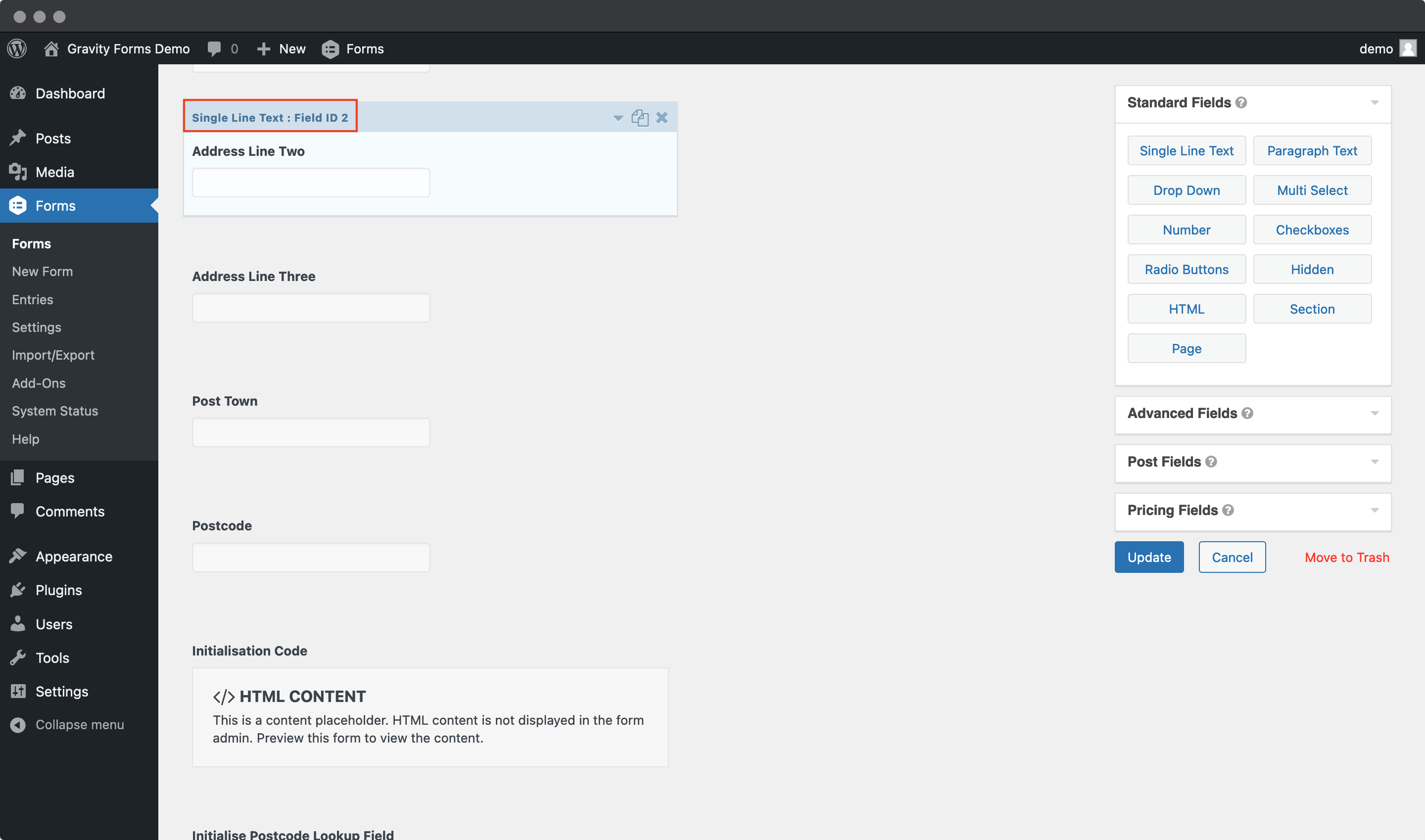
Create address input fields using `Single Line Text` fields (Standard Fields). Required fields:
* Address line one
* Address line two
* Address line three
* Post town
* Postcode
**Note each field's `Field ID`** from the `Single Line Text` panel. You'll need these for configuration.
## Address Finder Setup[](#address-finder-setup "Direct link to Address Finder Setup")
### 1. Add Script[](#1-add-script "Direct link to 1. Add Script")
Create an `HTML` field at the top of your form with the CDN script:
```
```
### 2. Identify Field IDs[](#2-identify-field-ids "Direct link to 2. Identify Field IDs")
Note your address field IDs from the `Single Line Text` panels. For example:
* Line 1: Field ID `1`
* Line 2: Field ID `2`
* Line 3: Field ID `4`
* Post Town: Field ID `5`
* Postcode: Field ID `6`
### 3. Add Initialisation[](#3-add-initialisation "Direct link to 3. Add Initialisation")
In the same `HTML` field, add the initialisation code, replacing `input_X` with your field IDs:
```
```
**Replace `ak_test` with your API key.** If your Line 1 Field ID is `24`, use `'input[name="input_24"]'`.
Add additional fields from the [addresses API documentation](/docs/api/addresses.md) as needed (e.g., `county`, `country`).
## Postcode Lookup Setup[](#postcode-lookup-setup "Direct link to Postcode Lookup Setup")
### 1. Add Lookup HTML[](#1-add-lookup-html "Direct link to 1. Add Lookup HTML")
Create an `HTML Content` field above your address fields with the lookup interface:
```
```
**Optional:** Style for Gravity Forms theme:
```
```
### 2. Identify Field IDs[](#2-identify-field-ids-1 "Direct link to 2. Identify Field IDs")
Same as Address Finder - note your address field IDs from the `Single Line Text` panels.
### 3. Add Script and Initialisation[](#3-add-script-and-initialisation "Direct link to 3. Add Script and Initialisation")
Add another `HTML` field at the bottom of your form:
```
```
**Replace `ak_test` with your API key** and update `input_X` with your field IDs.
## Further Configuration[](#further-configuration "Direct link to Further Configuration")
* [Address Finder Plugin Documentation](/docs/address-finder.md) - Customisation options
* [Postcode Lookup Plugin Documentation](/docs/postcode-lookup.md) - Customisation options
* Support: