# Formstack Integration
## Screenshots[](#screenshots "Direct link to Screenshots")
### Address Finder[](#address-finder "Direct link to Address Finder")
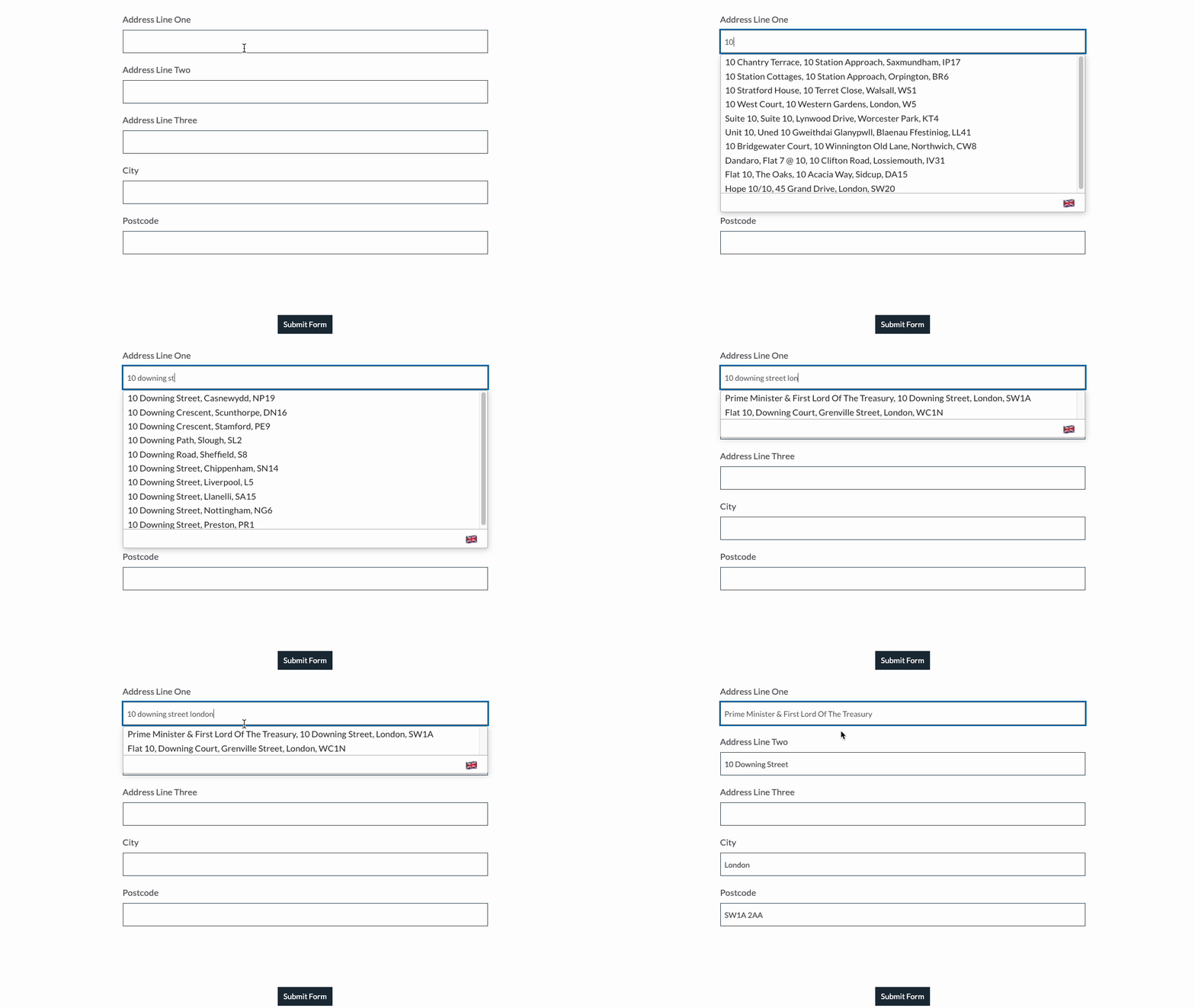
## Installation[](#installation "Direct link to Installation")
This installation works by inserting javascript into the Formstack Form builder
### Form Creation[](#form-creation "Direct link to Form Creation")
Add address input fields to your form. These should be created using `Short Answer` found under Basic Fields. A basic address form to capture a correct UK address requires the following fields:
Address line one Address line two Address line three Post town Postcode

### Initialise Address Finder[](#initialise-address-finder "Direct link to Initialise Address Finder")
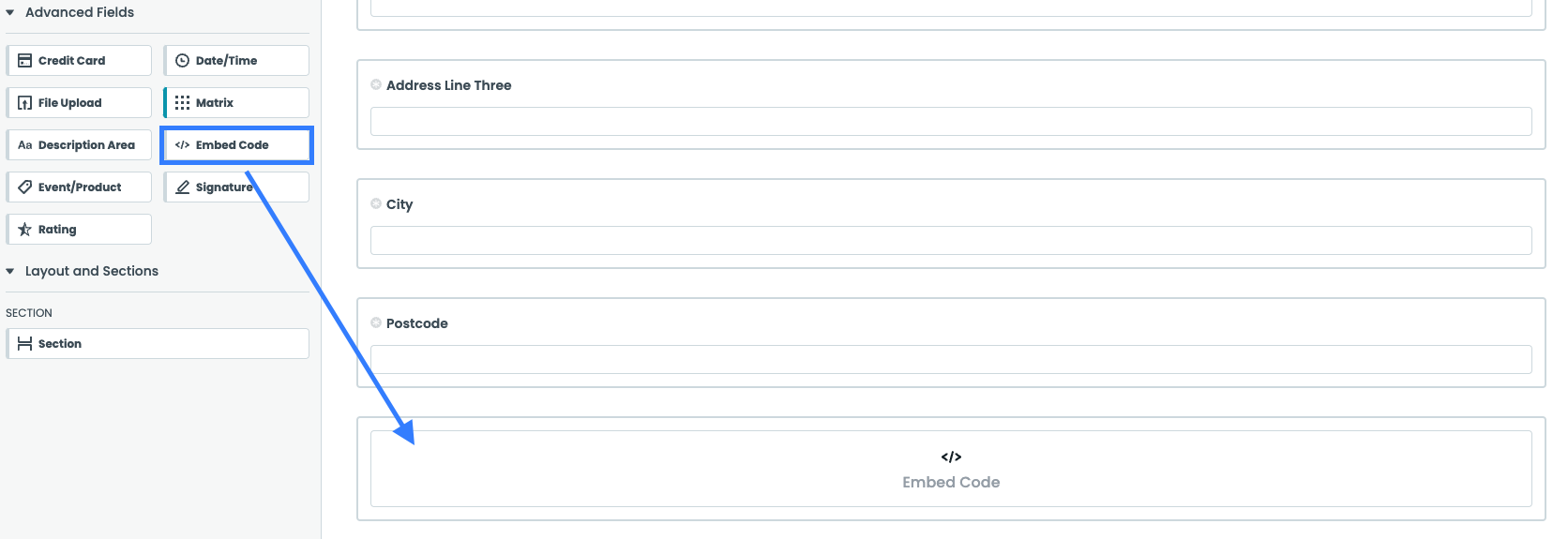
Under the `Advanced Field` menu, click `Embed Code` and drag it below the form you have created.
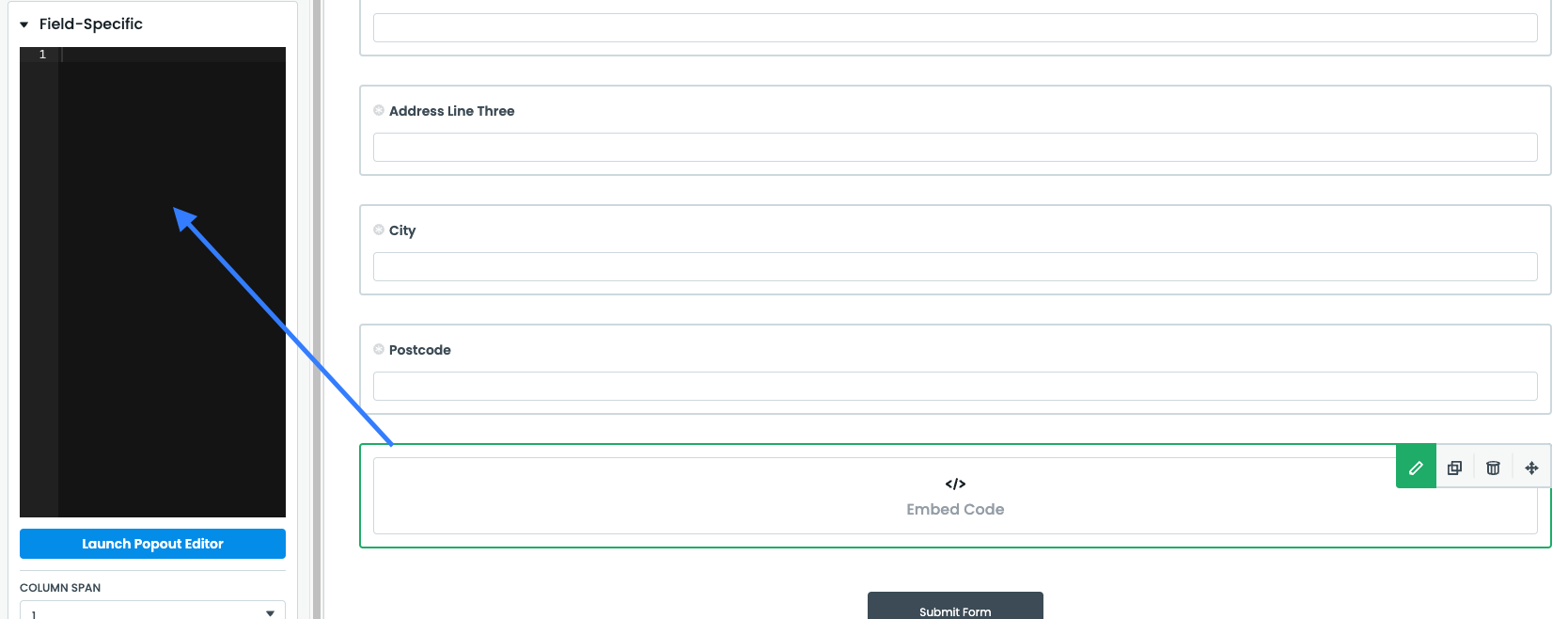
Click on the embed code field and paste the javascript below:
```
```
note
Make sure to
* Update the value for the apiKey with your own API Key. Your API Key typically begins with `ak_`.
* Update the field selectors so they match your input fields
#### Optional: Customise the Address Finder Script[](#optional-customise-the-address-finder-script "Direct link to Optional: Customise the Address Finder Script")
If you wish to add an additional field, include the parameter name [from our documentation](/docs/data/paf.md). For instance, adding a county field to your script will look like:
```
outputFields:
{
line_1: '#field165145846',
line_2: '#field165145899',
line_3: '#field165145898',
post_town: '#field165145897',
county: '#field165145456',
postcode: '#field165145860',
},
```
```
```
info
Still need help? Contact our support team via live chat on our website or email .