# Fluent Forms
Add address autocompletion and postcode lookup to your Fluent Forms pages.
## Demo[](#demo "Direct link to Demo")
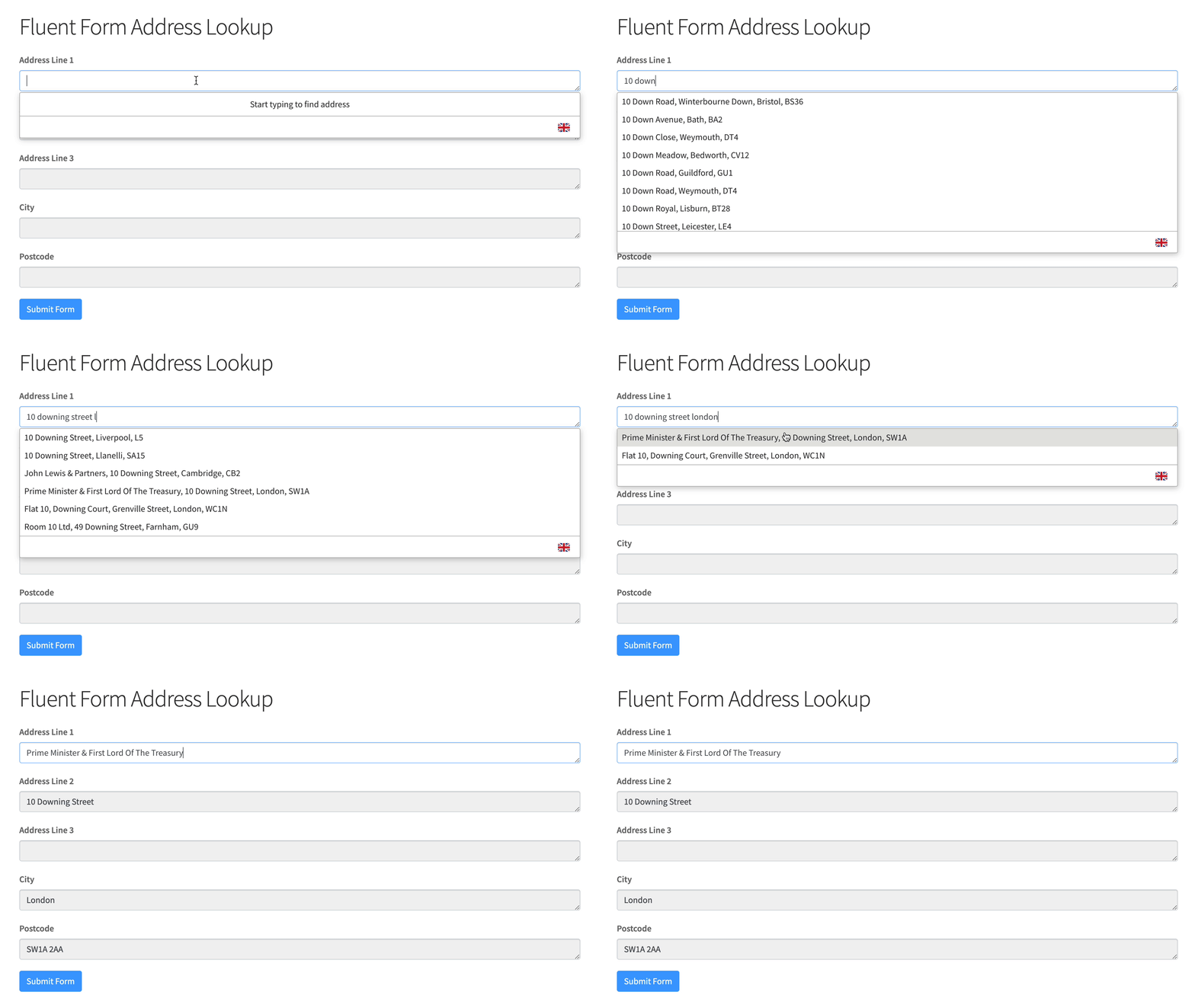
#### Address Finder Demo[](#address-finder-demo "Direct link to Address Finder Demo")
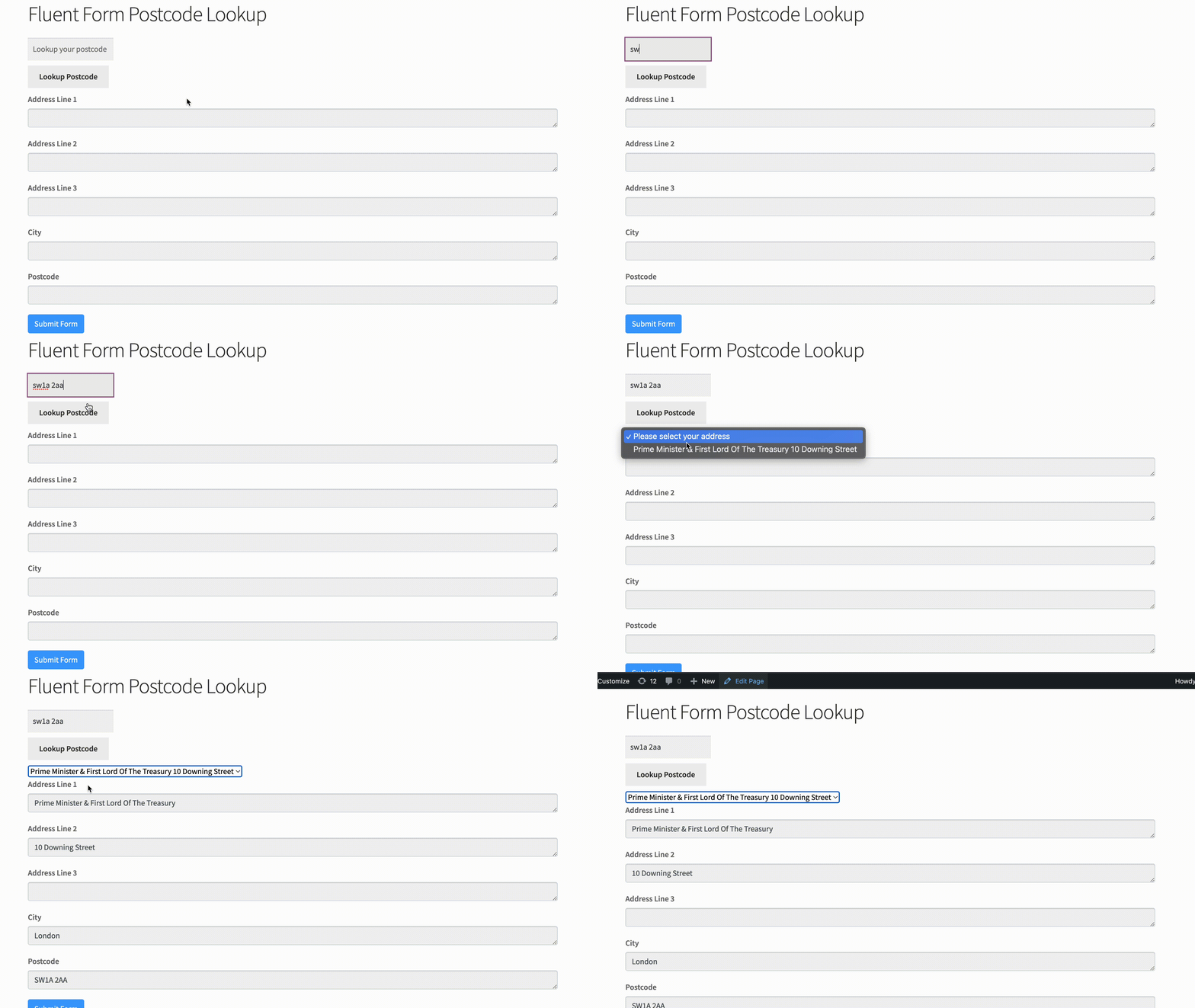
#### Postcode Lookup Demo[](#postcode-lookup-demo "Direct link to Postcode Lookup Demo")
## Installation[](#installation "Direct link to Installation")
This integration works by adding our Address Validation tools using Fluent Form's form editor. Below are the instructions to add Postcode Lookup or Address Finder.
### Create Address Inputs[](#create-address-inputs "Direct link to Create Address Inputs")
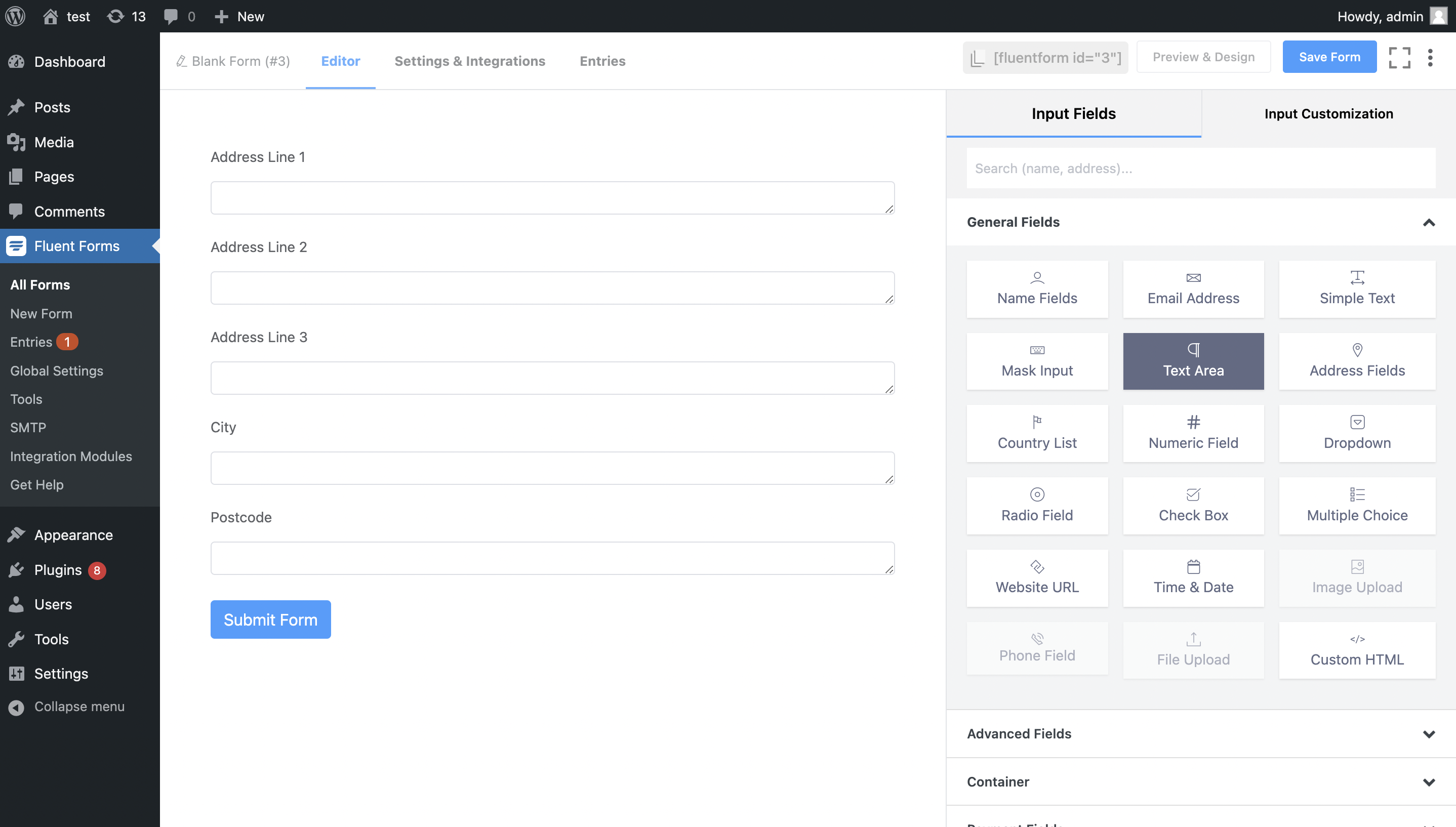
Add address input fields to your form. To do so, select the 'textarea' field and drag it into the form. Once clicked, you can update the label text.
A basic address form to capture a correct UK address should have the following fields:
* Address line one (required)
* Address line two
* Address line three
* Post town (required)
* Postcode (required)
You can optionally include additional fields, which are listed in the [Address data guide](/docs/data/paf.md).
### Add Custom Name Attributes[](#add-custom-name-attributes "Direct link to Add Custom Name Attributes")
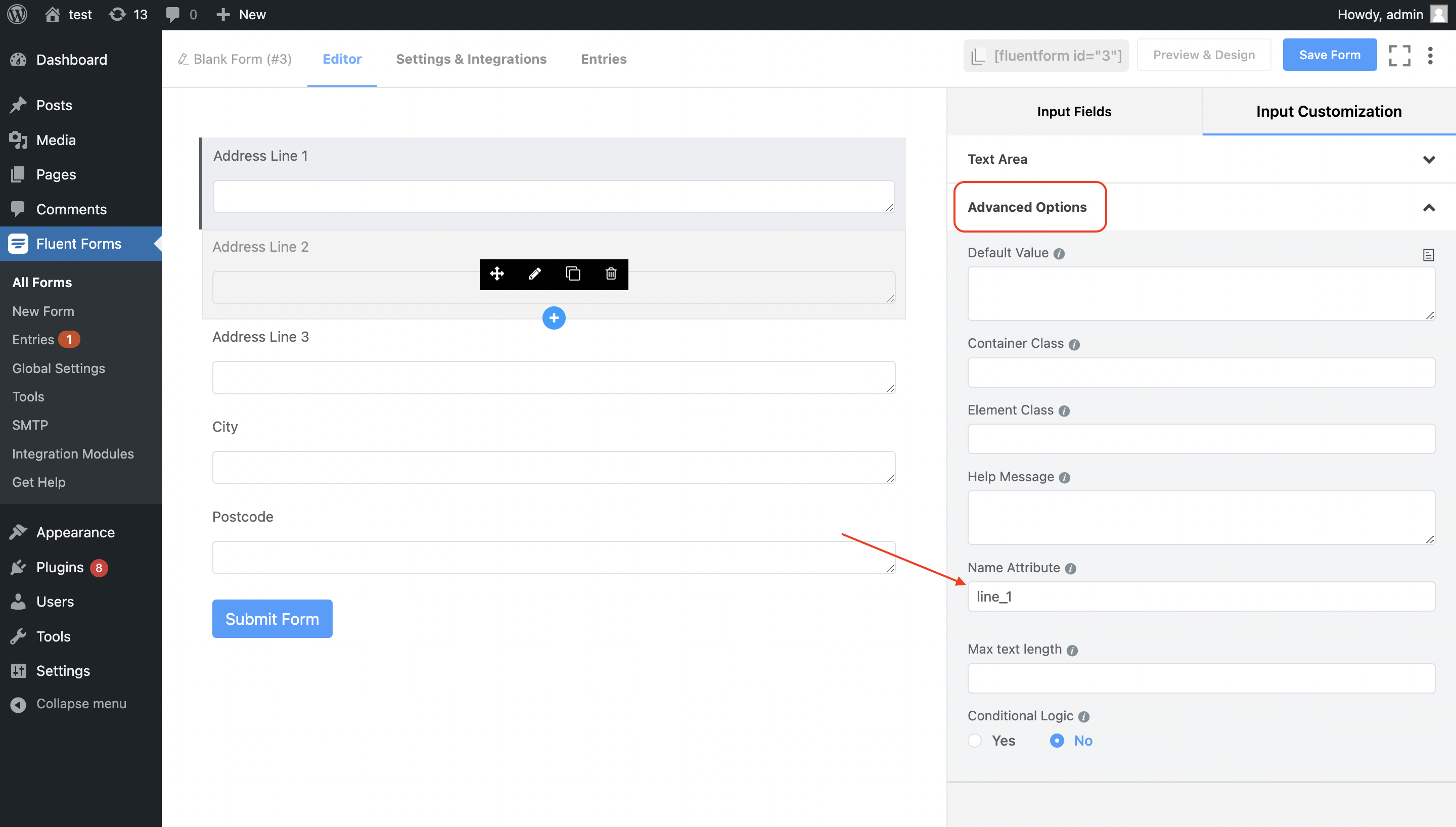
For Address Finder to identify the output fields, add `name` attributes to your address fields. To do so, click on the address field, and then the 'Advanced' dropdown. Here, you will find the `NAME ATTRIBUTE` field, which you can update. Remember to click on 'Save Form' when complete.
## Add Address Finder[](#add-address-finder "Direct link to Add Address Finder")
#### Install and Initialise Plugin[](#install-and-initialise-plugin "Direct link to Install and Initialise Plugin")
On the WordPress admin dashboard, click on the 'Pages' tab, followed by 'Add New'. Now, click on the 'shortcode' and paste your fluent form shortcode in. Next click on 'Add block' icon and look for the 'Custom HTML' option.
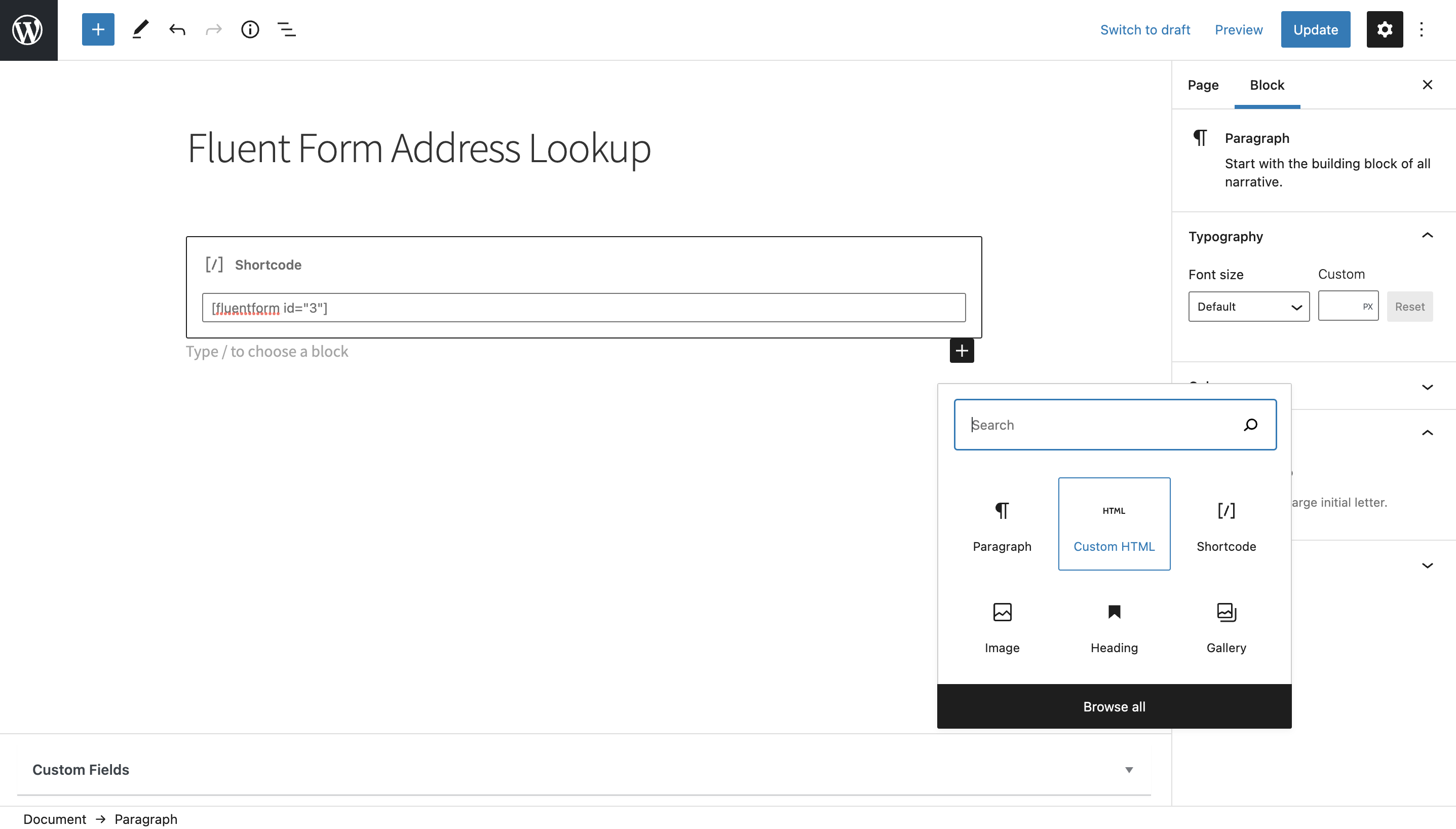
Subsequently, add the following two script tags within the HTML block to load the plugin and then to initialise it.
```
```
caution
Take special care to:
1. Insert your API Key in the `apiKey` field
2. Match the names of your address fields. If your Address Line One has name = `line_1`, ensure that `line_1` reads `'textarea[name="line_1"]'`
If you wish to add an additional field, include the parameter name [from our documentation](/docs/data/paf.md). For instance, adding a county field with name `county` will look like:
```
outputFields: {
line_1: 'textarea[name="line_1"]',
line_2: 'textarea[name="line_2"]',
line_3: 'textarea[name="line_3"]',
post_town: 'textarea[name="post_town"]',
county: 'textarea[name="county"]',
postcode: 'textarea[name="postcode"]'
}
```
***
## Add Postcode Lookup[](#add-postcode-lookup "Direct link to Add Postcode Lookup")
#### Add Postcode Lookup HTML elements[](#add-postcode-lookup-html-elements "Direct link to Add Postcode Lookup HTML elements")
On the WordPress admin dashboard, click on the 'Pages' tab, followed by 'Add New'. Now, click on the 'shortcode' and paste your fluent form shortcode in. Next click on 'Add block' icon and look for the 'Custom HTML' component. Place this above your address field and paste the code below.
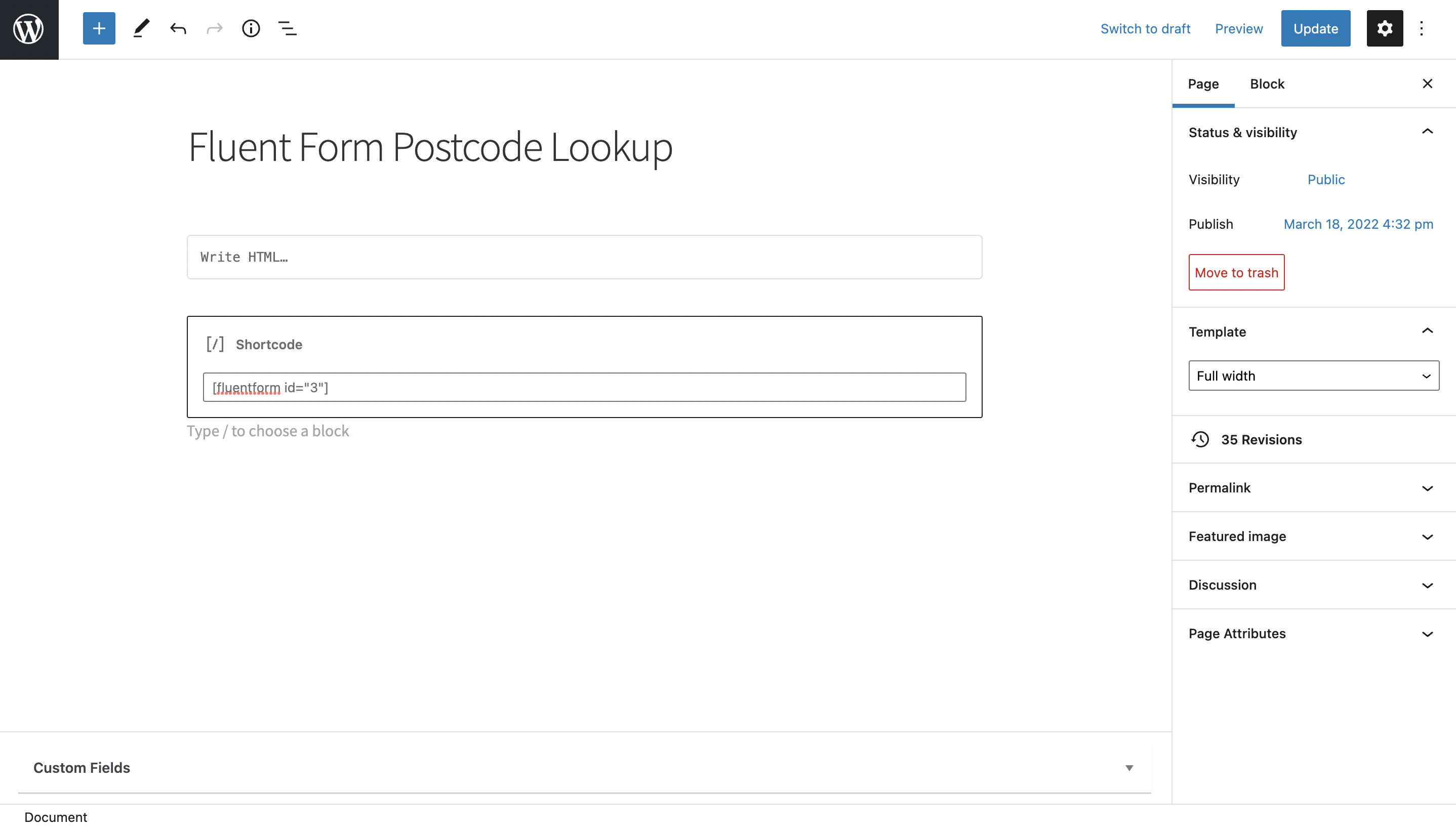
```
```
Next, create another html block at the bottom of the form and add the scripts below.
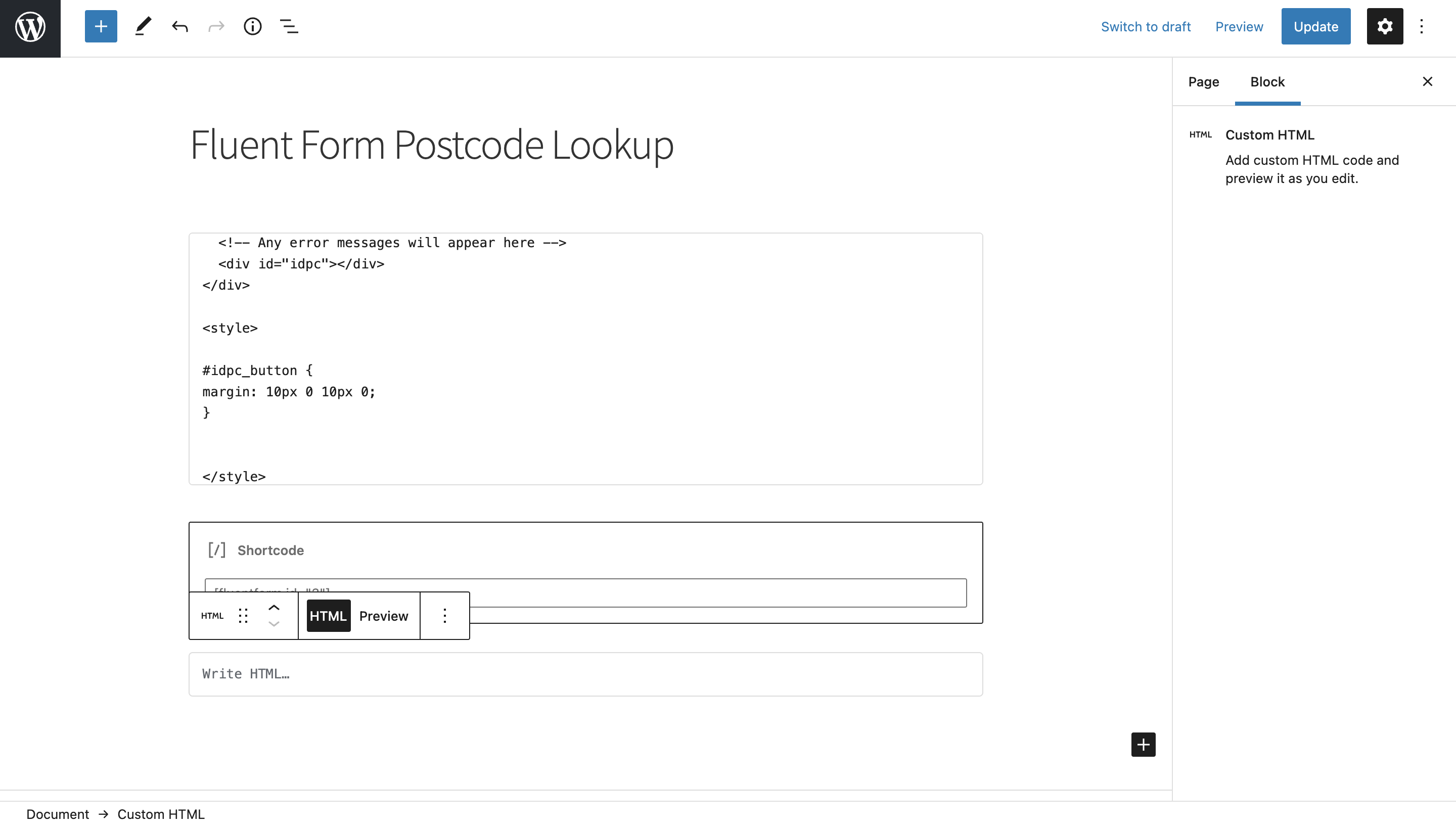
```
```
If you wish to add an additional field, choose a parameter [from our UK Address data guide](/docs/data/paf.md). For instance, adding a county field with name `county` will look like:
```
outputFields: {
line_1: 'textarea[name="line_1"]',
line_2: 'textarea[name="line_2"]',
line_3: 'textarea[name="line_3"]',
post_town: 'textarea[name="post_town"]',
county: 'textarea[name="county"]',
postcode: 'textarea[name="postcode"]'
}
```
## Configuration[](#configuration "Direct link to Configuration")
See our [Address Finder Plugin Documentation](/docs/address-finder.md) if you wish to customise Address Finder.
See our [Postcode Lookup Plugin Documentation](/docs/postcode-lookup.md) if you wish to customise Postcode Lookup.
info
Still need help? Contact our support team via live chat on our website or email .